
1. Upload Your Image
Choose a JPG, PNG, or WebP image and upload it to the Background Remover.
Remove backgrounds from product photos and other images with AI, then download a clean image with a transparent background.
Images are processed in your browser. Your image is not uploaded.
Remove the background from a product photo or other image in just a few simple steps. No image editing software is required.
Choose a JPG, PNG, or WebP image and upload it to the Background Remover.
Let the tool process your image and remove the existing background from the main subject.
Check the result against the transparent background preview, then download the finished PNG.
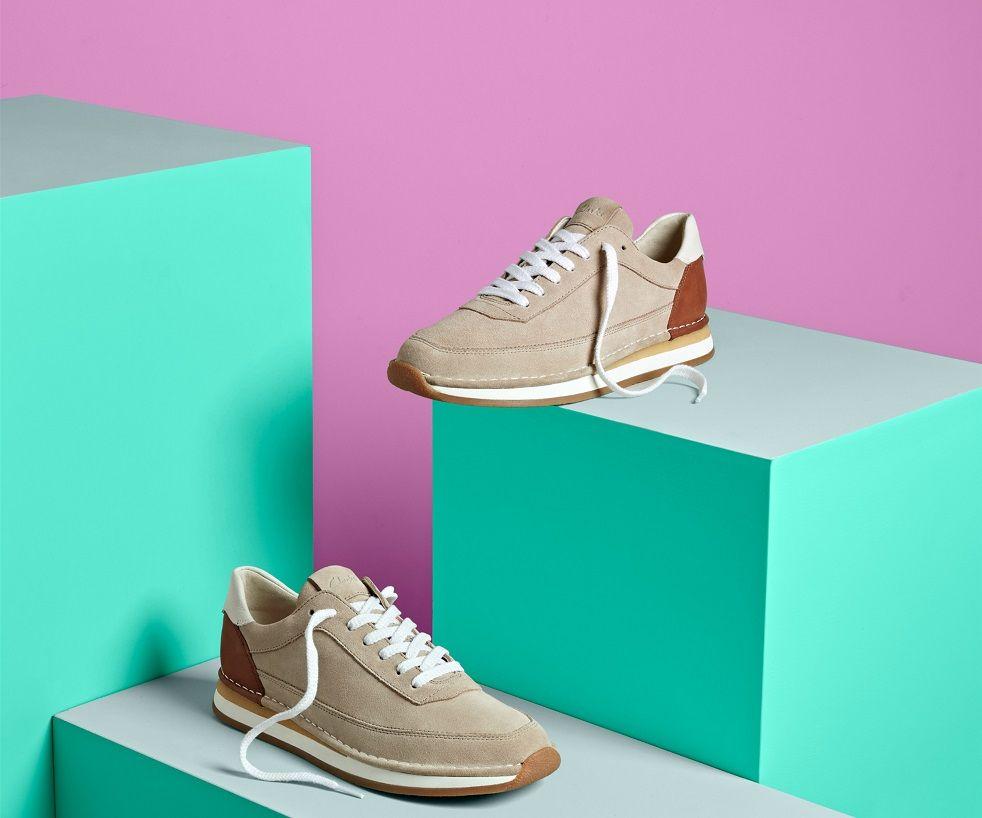
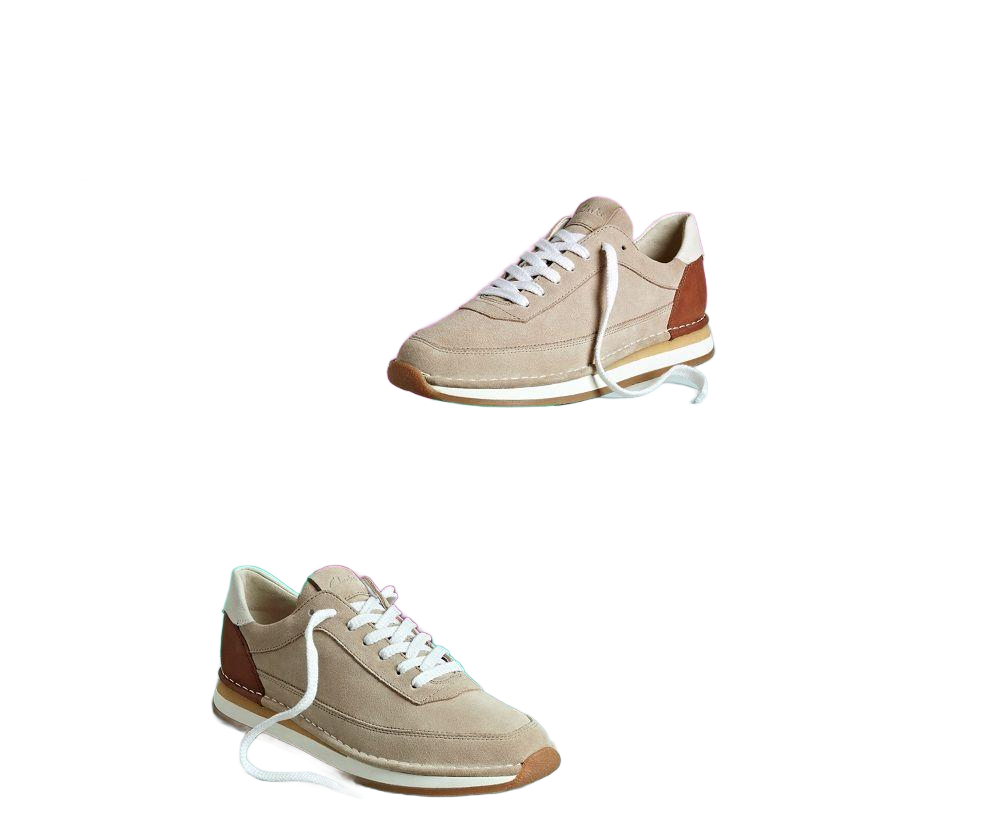
Remove unwanted backgrounds from product photos and other images while keeping the main subject clear. Compare the original image with the transparent-background result.
Original image
Background removed
Removing the background can make product photos cleaner and easier to use across online stores, marketplaces, catalogs, and social media.
Remove unwanted backgrounds from product images and keep the main product clear and ready for your online store.
Create cleaner product images for marketplace listings by removing distracting backgrounds from your photos.
Prepare product photos with a clean background for catalogs, product pages, and other ecommerce content.
Isolate products from their original background when creating social media posts, promotional graphics, or other visual content.
Once the background is removed, you can download the image as a transparent PNG. This makes it easier to place your product or subject on a different background without removing the original background again.
Transparent PNG images are useful for ecommerce product photos, catalogs, social media graphics, banners, and other designs where you need the subject to stand out clearly.
Ready to use on different backgrounds
AtraKit makes it simple to remove an image background without needing image editing software. Upload your image, check the result, and download the finished PNG when it looks right.
Automatically remove the background from your image and keep the main subject ready for use.
Upload a supported JPG, PNG, or WebP image and start removing the background directly from the tool.
Preview the result and download your image with a transparent background in PNG format.
Prepare cleaner product images for online stores, marketplace listings, catalogs, and promotional content.
Create Meesho product images designed to help reduce shipping charges with clean backgrounds, balanced spacing, and suitable image formats.
Prepare Meesho, Flipkart, and Amazon shipping label PDFs for 4x6 thermal printers or A4 sticker sheets. Crop single or multi-page labels online and download print-ready PDFs.
Calculate GST on any amount with inclusive or exclusive options and see the GST, CGST, SGST, and IGST breakdown instantly.
Calculate profit margin, profit, or cost with this online profit margin calculator. Enter any two known values to find the remaining results.